
Everything an engagement touches
From the first opportunity to the paid invoice — here's what Milepost actually looks like doing the work. Real screens, no mockups.
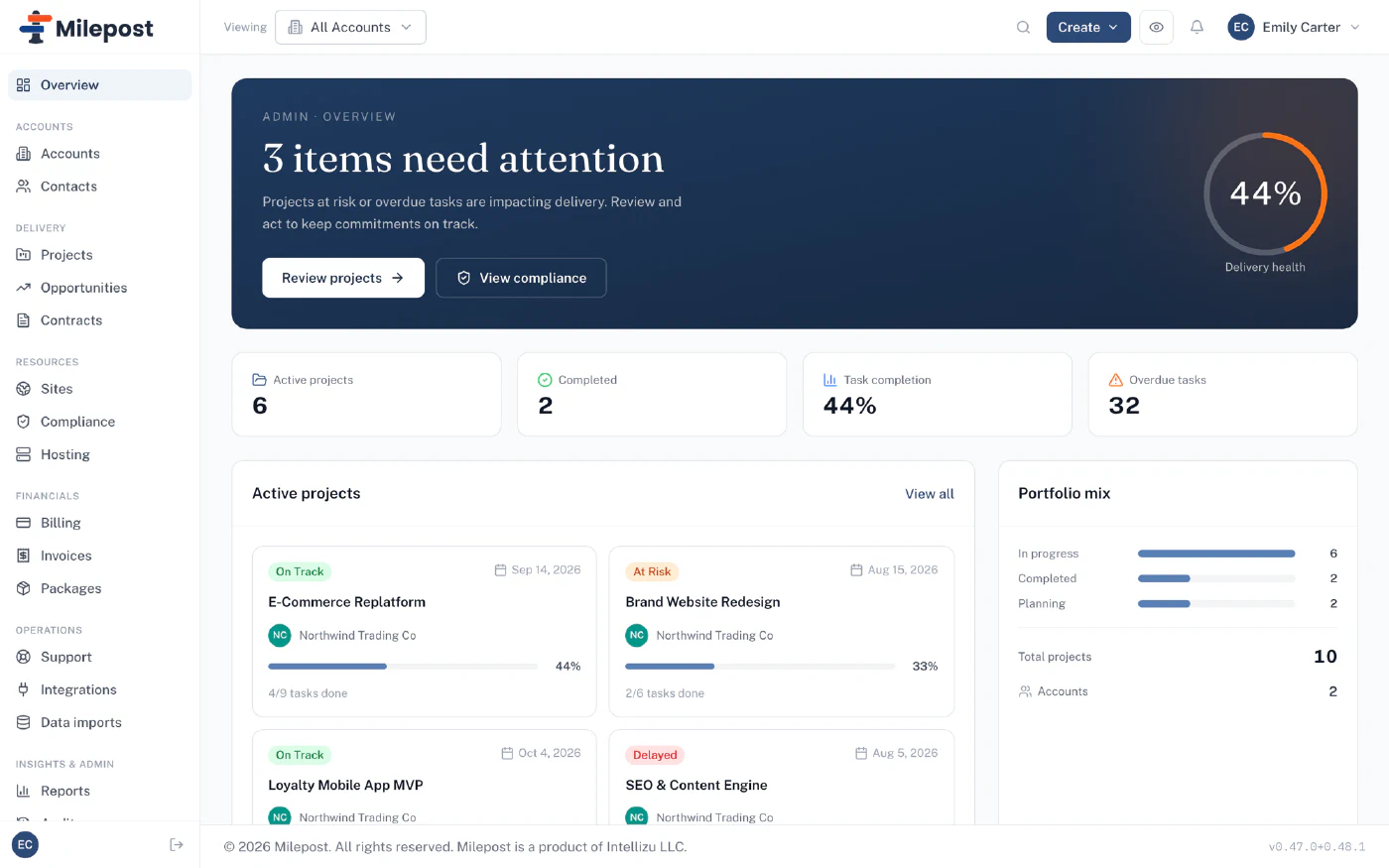
Start the day knowing what needs attention
The overview rolls every account up into one picture: projects at risk, overdue tasks, delivery health, portfolio mix. Not another report to run — it's just the front page.
- Delivery health across every engagement
- At-risk and overdue work surfaced automatically
- One click from a warning to the project behind it
Delivery you can see from across the room
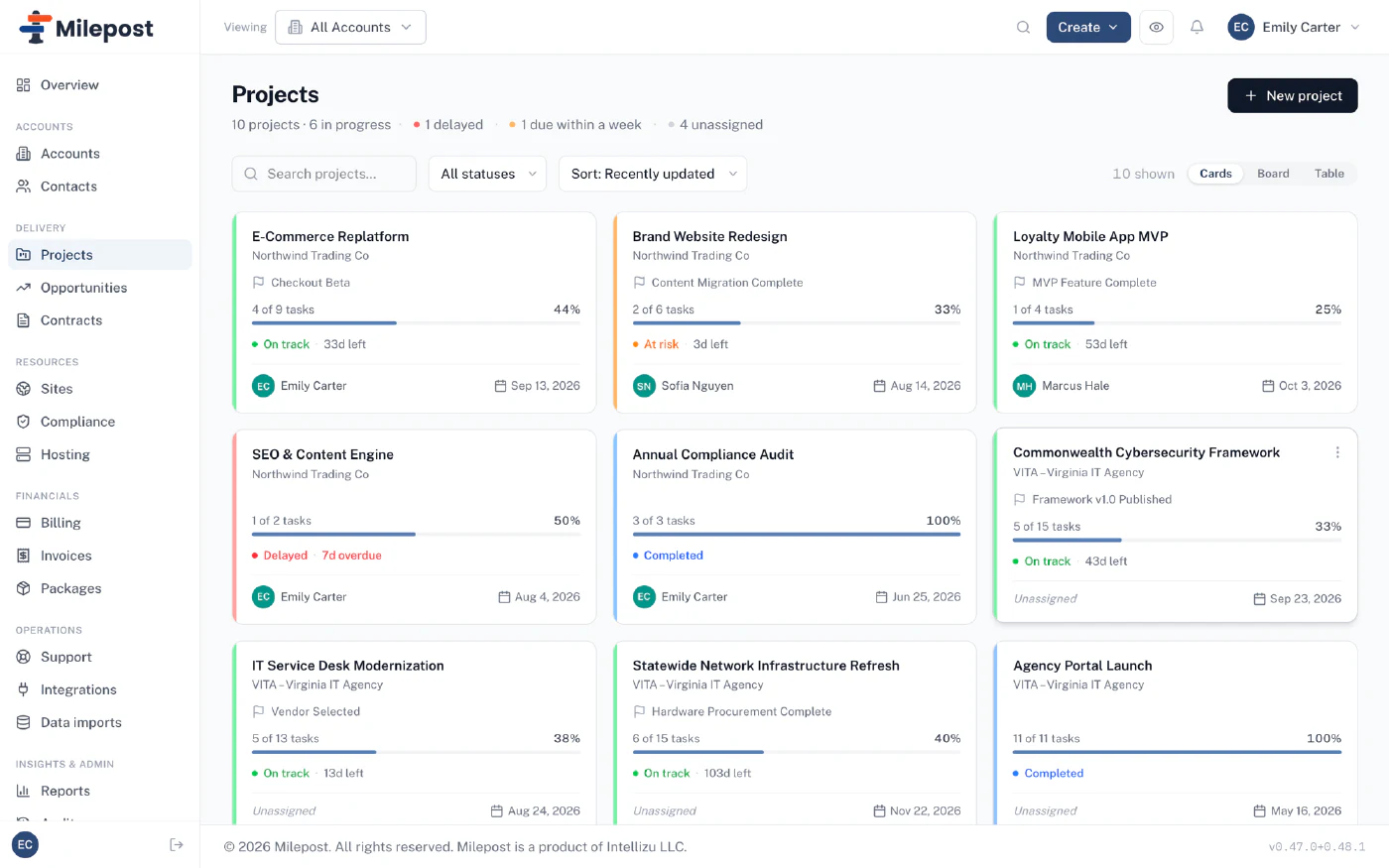
Every project carries its status, milestone flag, progress, and owner on its sleeve. Boards for the team, cards for the Monday scan, and reusable workflow templates for the engagements you run again and again.
- Milestones, phases, and task boards per project
- On track / at risk / delayed — visible without opening anything
- Workflow templates for repeatable engagements
Contracts that keep score
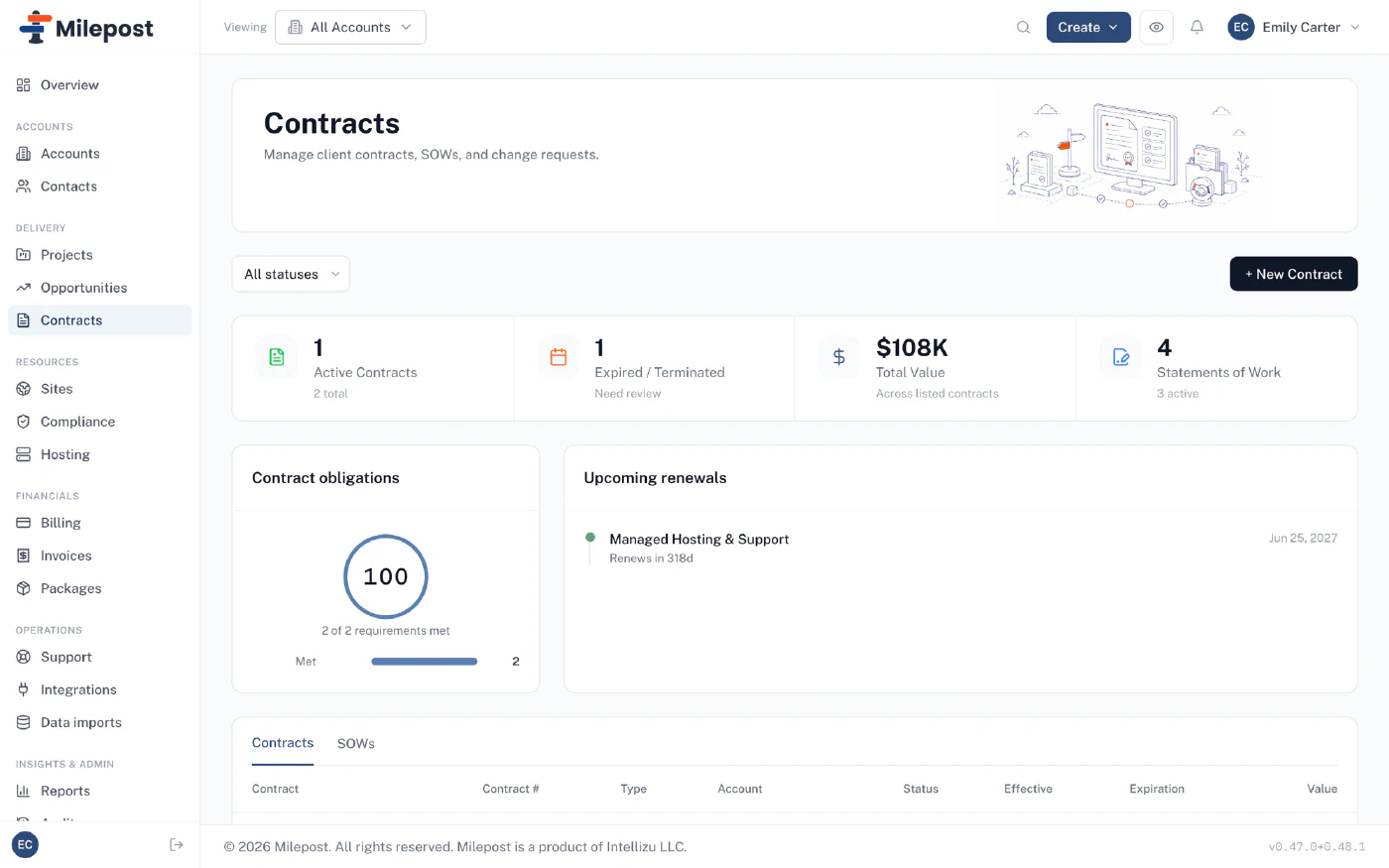
Contracts, SOWs, and change requests live next to the work they govern. Obligations are tracked, renewals surface before they lapse, and change orders go through client approval before they amend anything.
- SOWs and obligations tracked per contract
- Renewals that warn you months out, not days
- Client-approved change orders, with the paper trail
Invoices with receipts
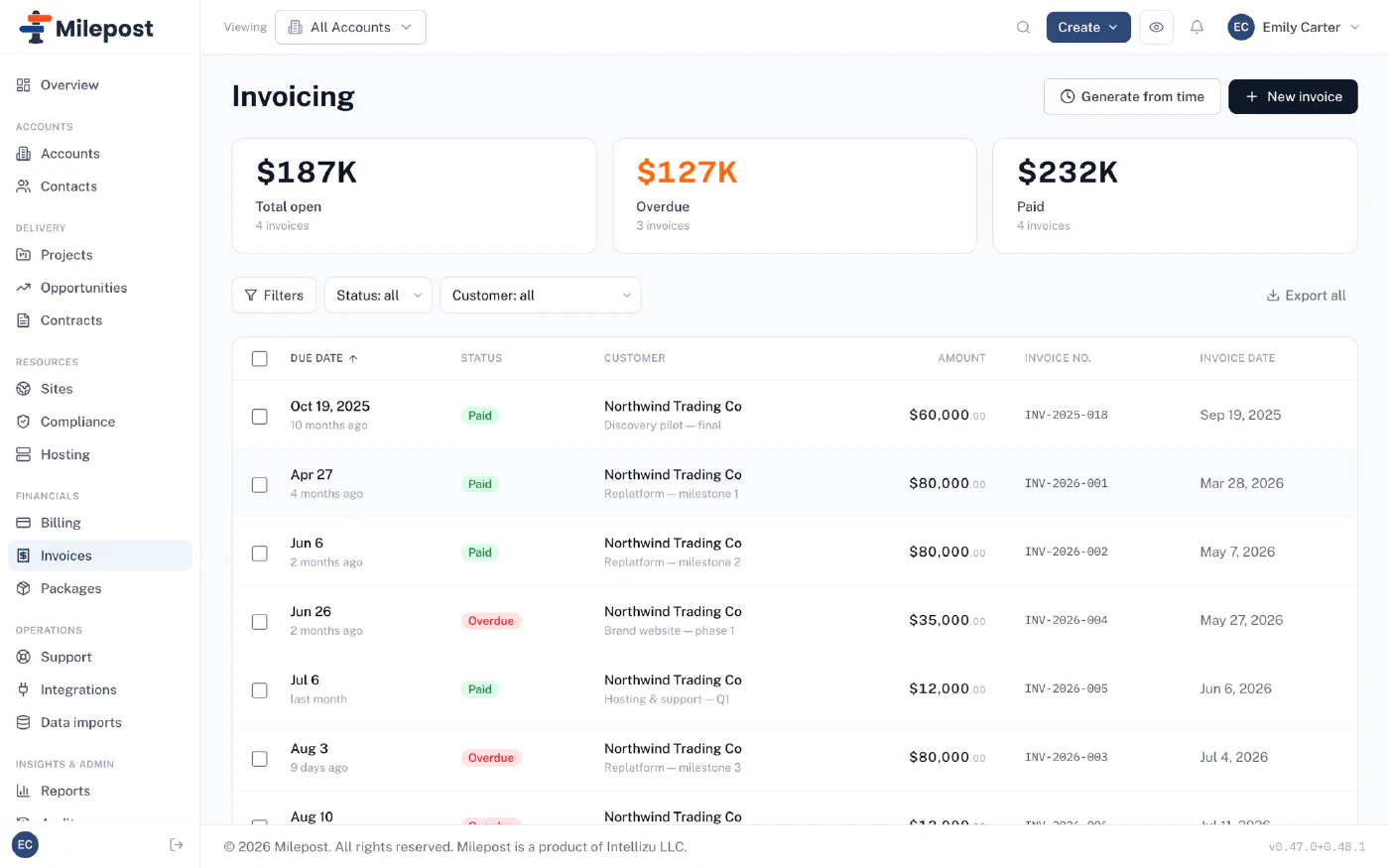
Time entries capture the rate that was true when the work happened and the capacity it counts against. Invoices are generated from that record — so the month-end number is an output, not a negotiation.
- Generate invoices from logged time
- Rates snapshotted on every entry
- Open, overdue, and paid — one glance
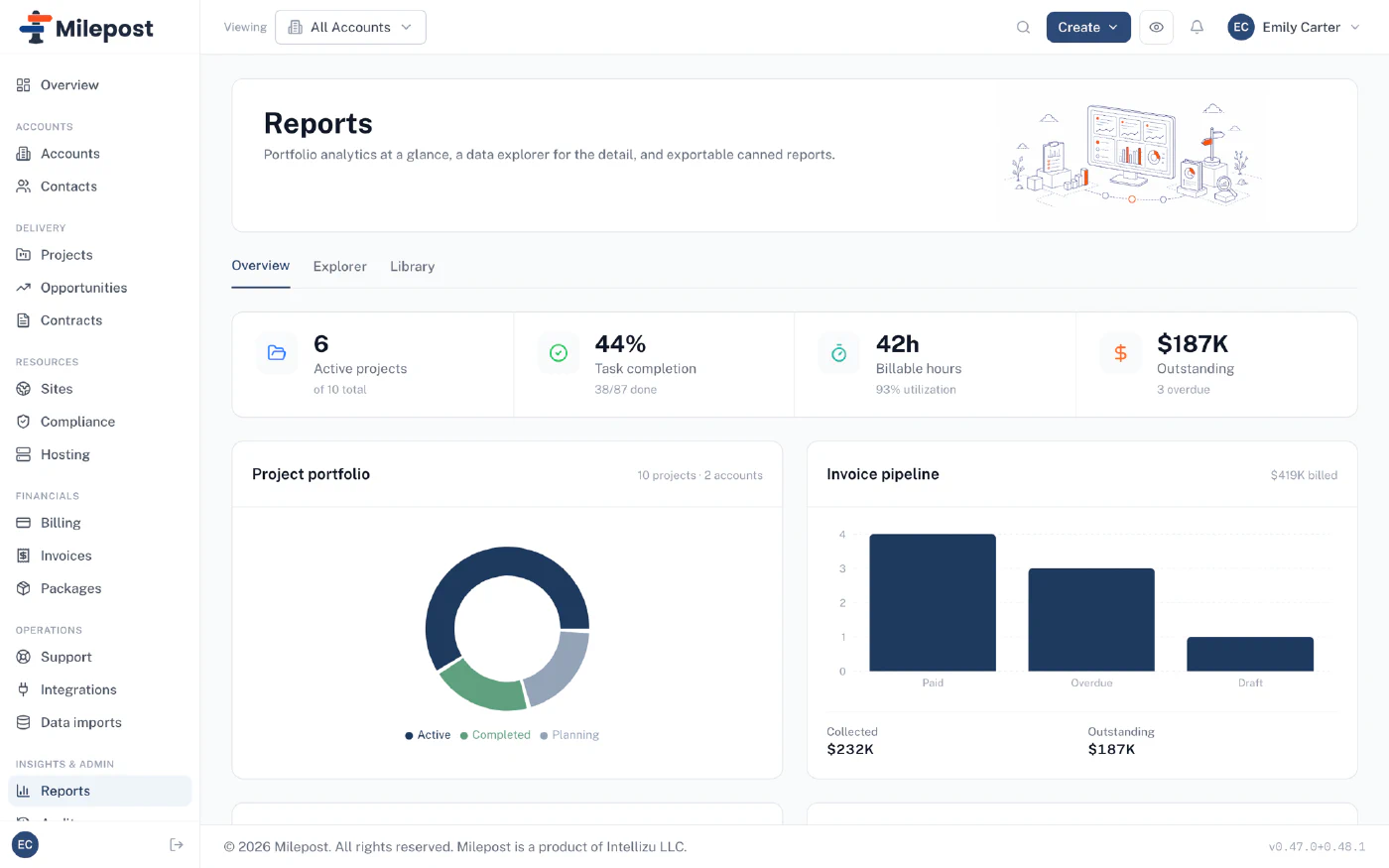
Answers before anyone asks
Utilization, billable hours, invoice pipeline, portfolio mix — the numbers the Monday meeting actually uses, plus a data explorer and exportable canned reports for everything else.
- Portfolio and invoice pipeline at a glance
- Utilization without a spreadsheet export
- A data explorer when the canned answer isn't enough
And it all shows up in one place
The client portal ties it together — approvals, invoices, and status your clients can see themselves.